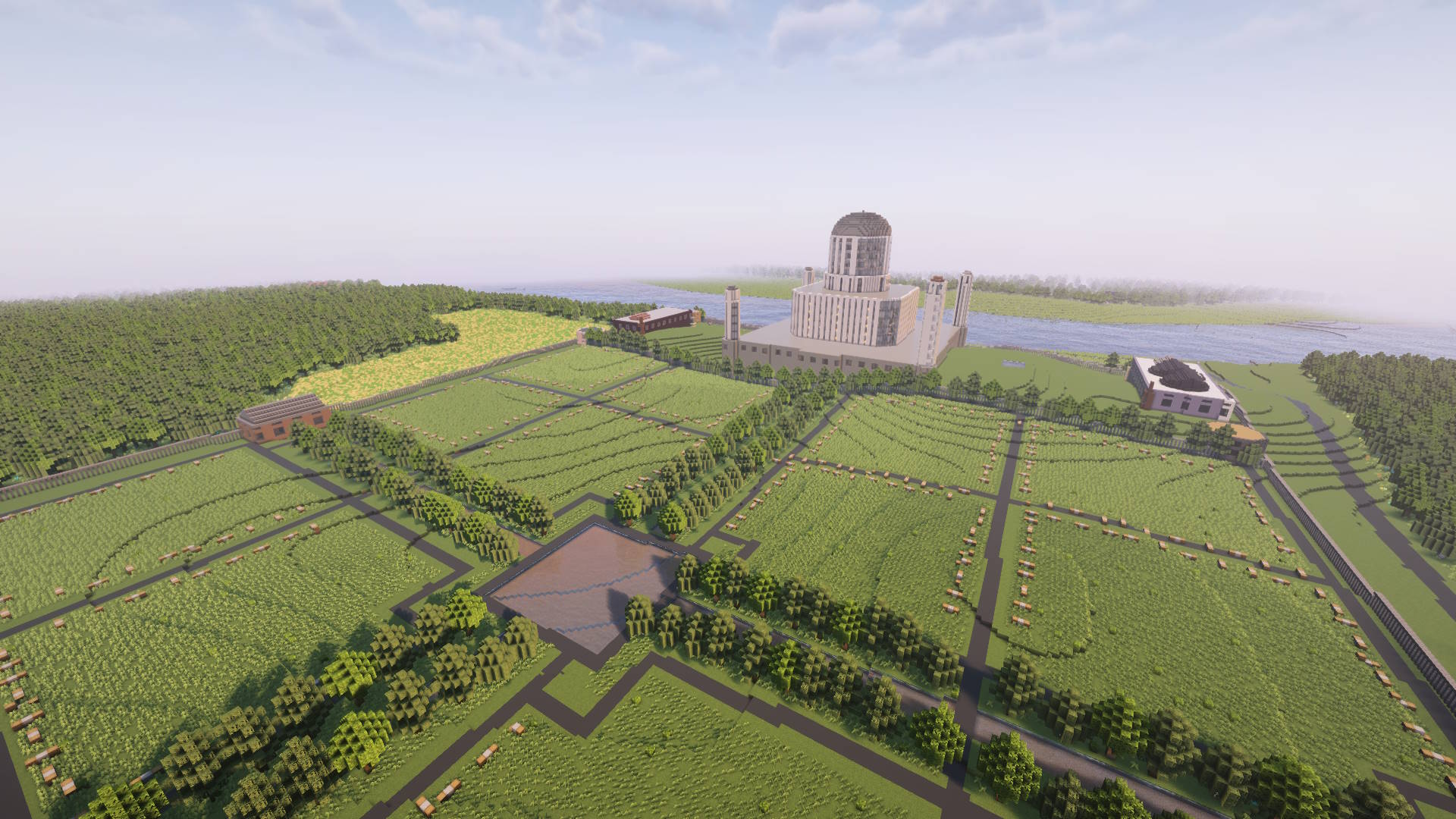
Transform any location on Earth into a playable Minecraft world. Free, open source, and easy to use.
Arnis is a free and open-source desktop application that transforms real-world geographical data into playable Minecraft Java and Bedrock Edition worlds. With an easy-to-use interface and customizable settings, it recreates streets, buildings, landmarks, and terrain from any location on Earth - bringing your favorite places to life in Minecraft.
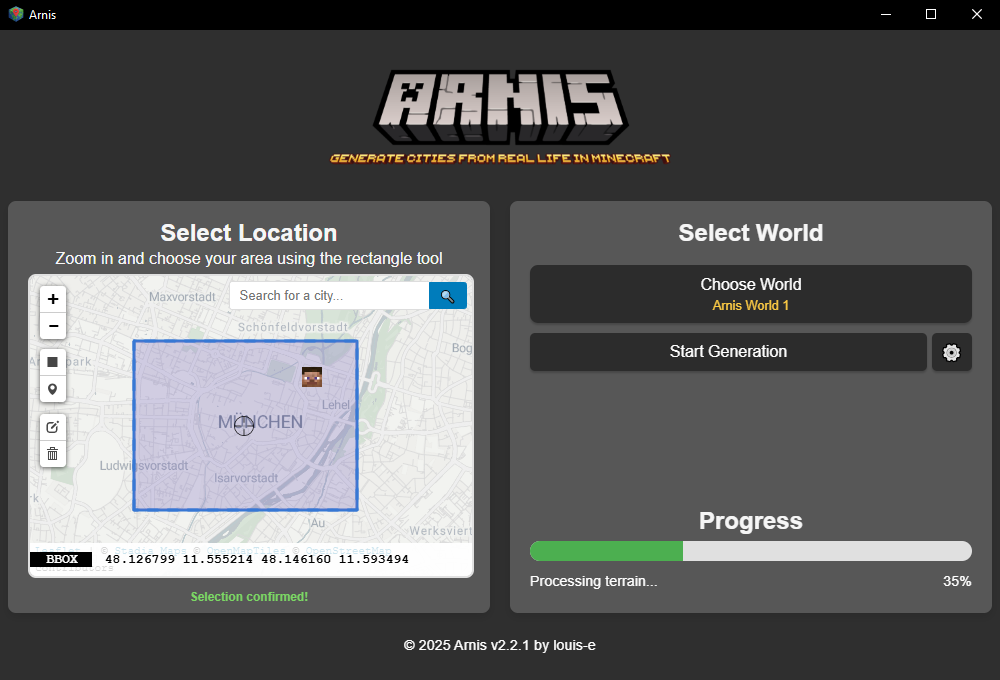
Choose any location on Earth using the interactive map and rectangle selection tool
Generate a new world or select an existing one
Click 'Start Generation' and watch as your selected area is generated in Minecraft
Download Arnis for Windows, Linux or MacOS
All downloads are hosted on our official GitHub repository.
For your safety, always ensure you are downloading from the official GitHub page.
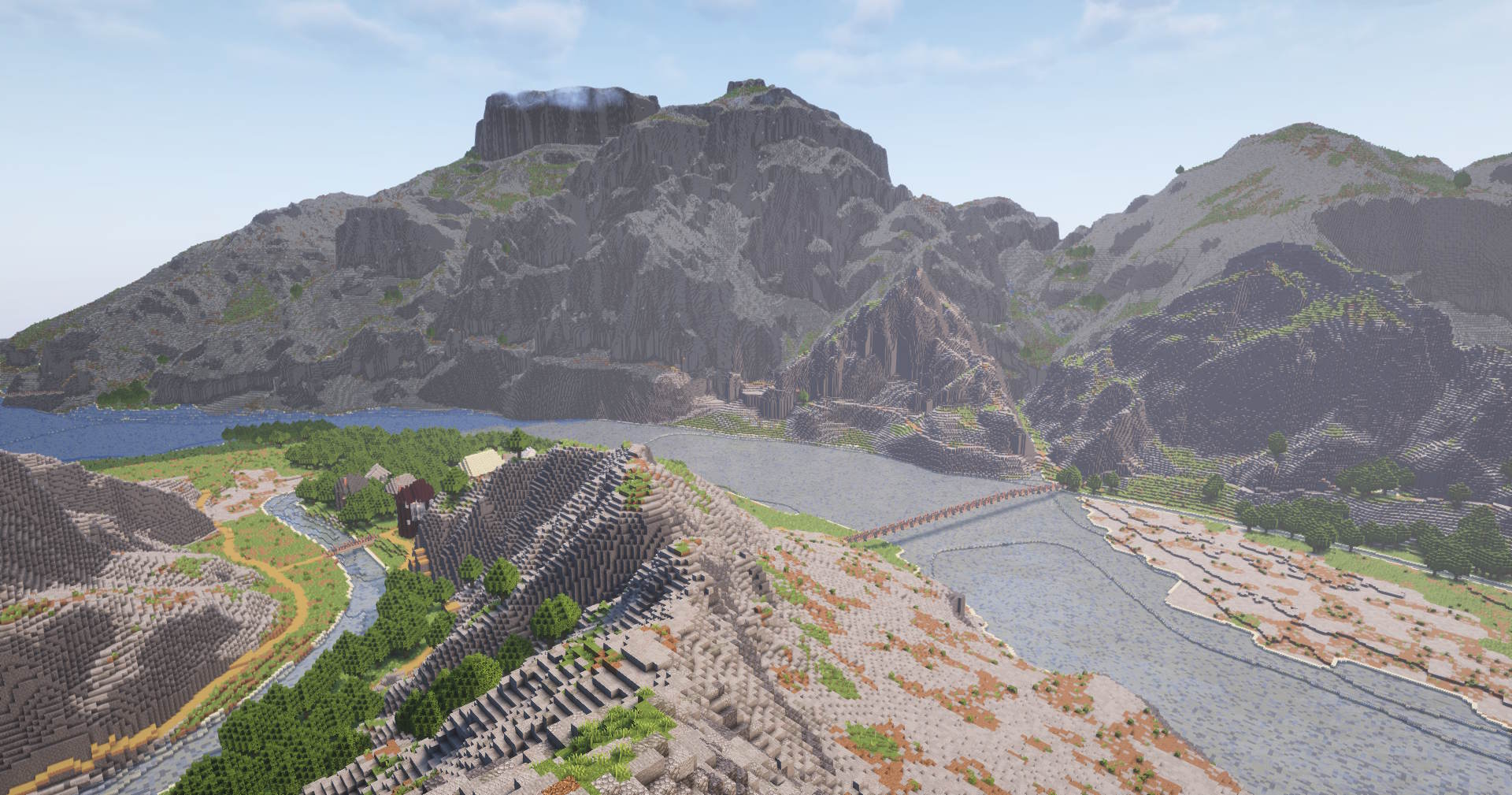
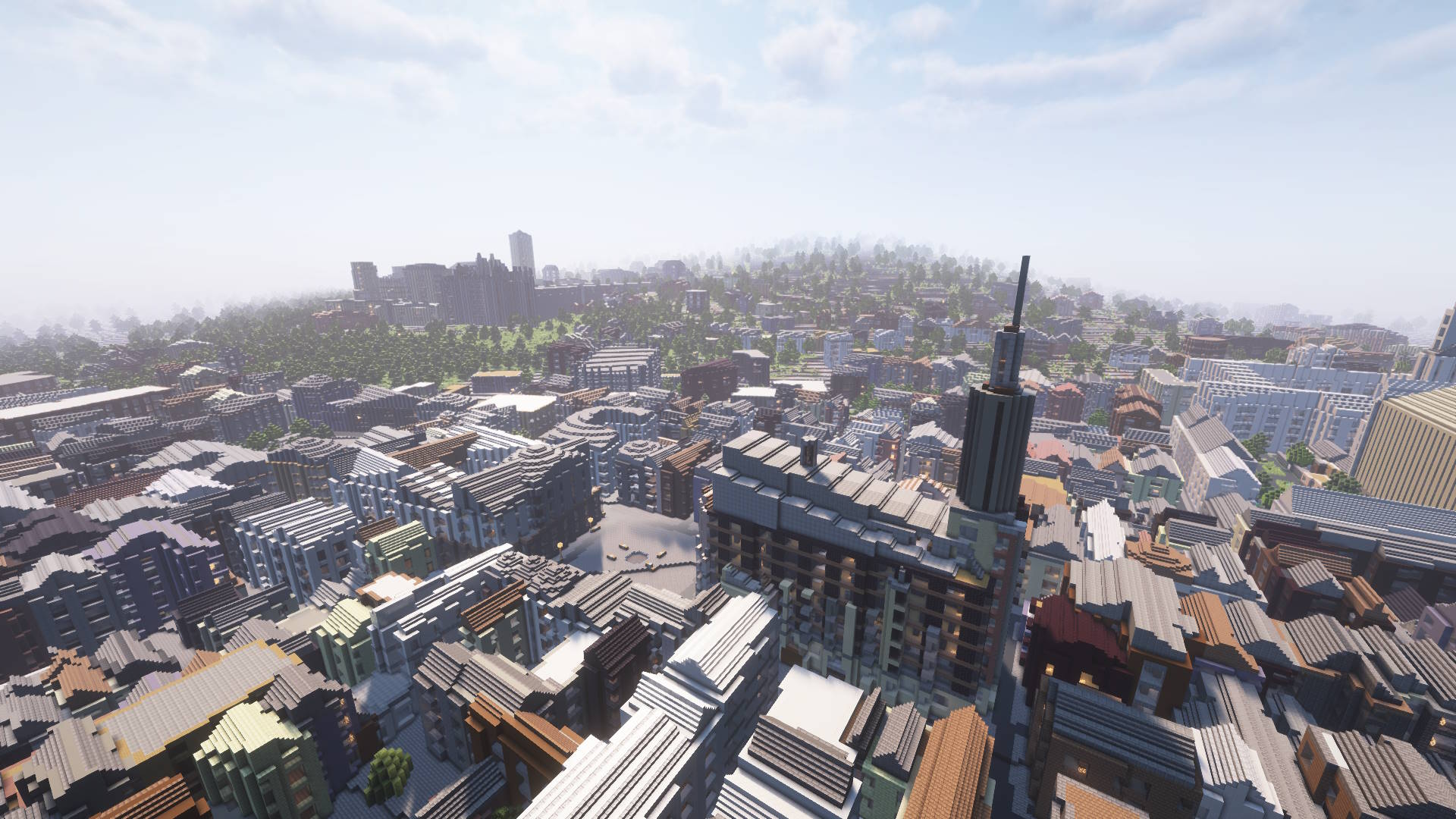
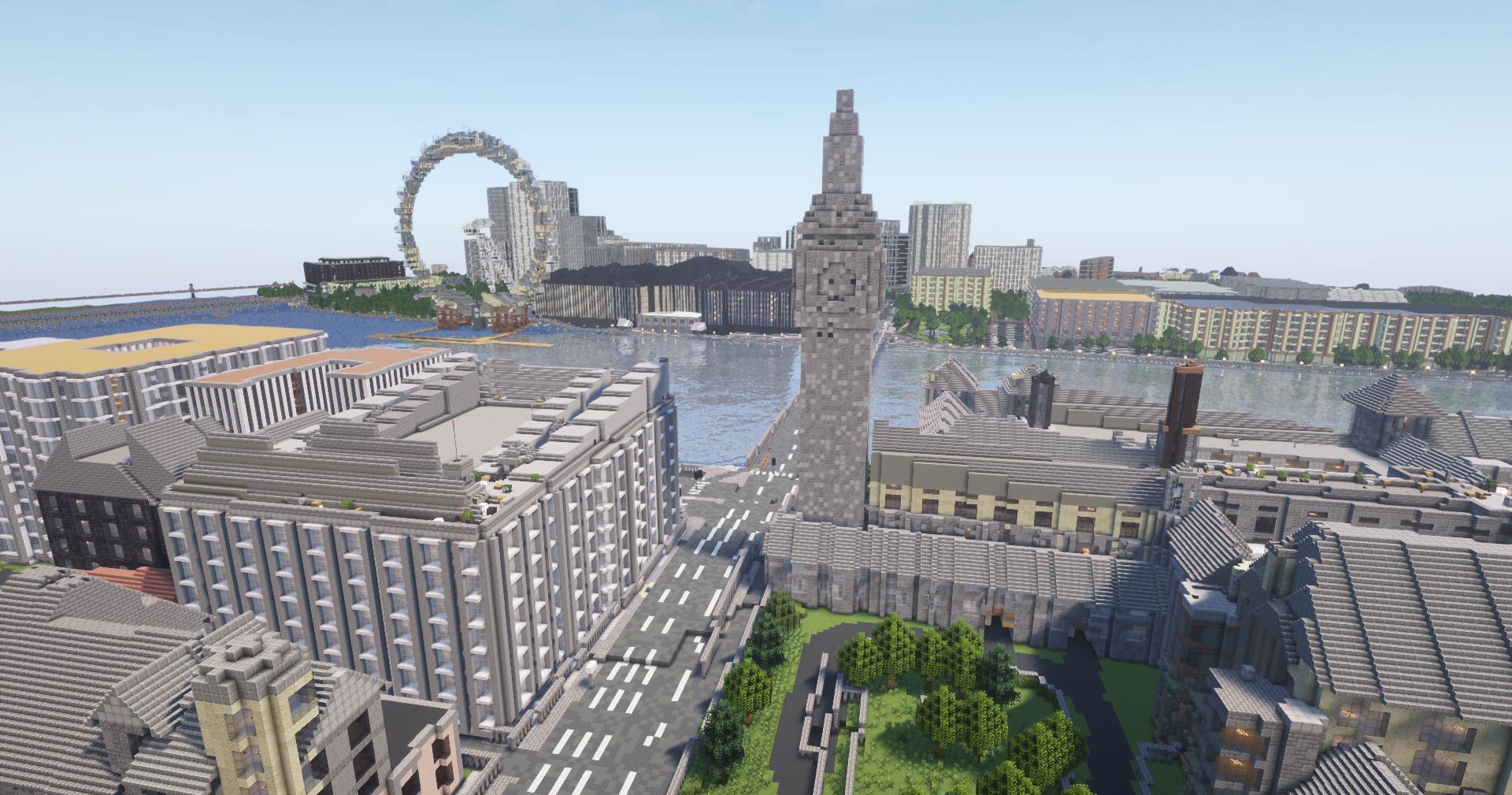
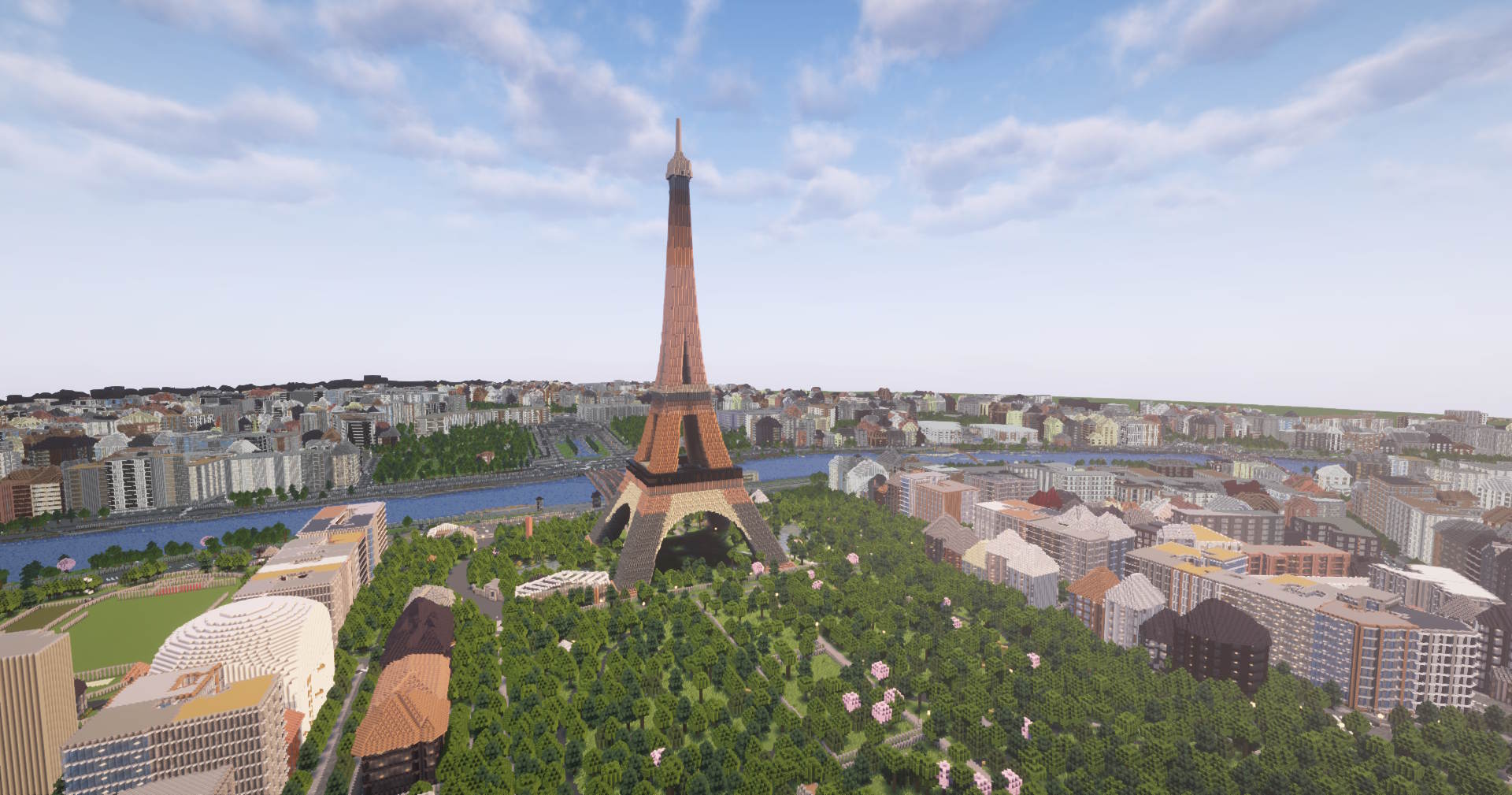
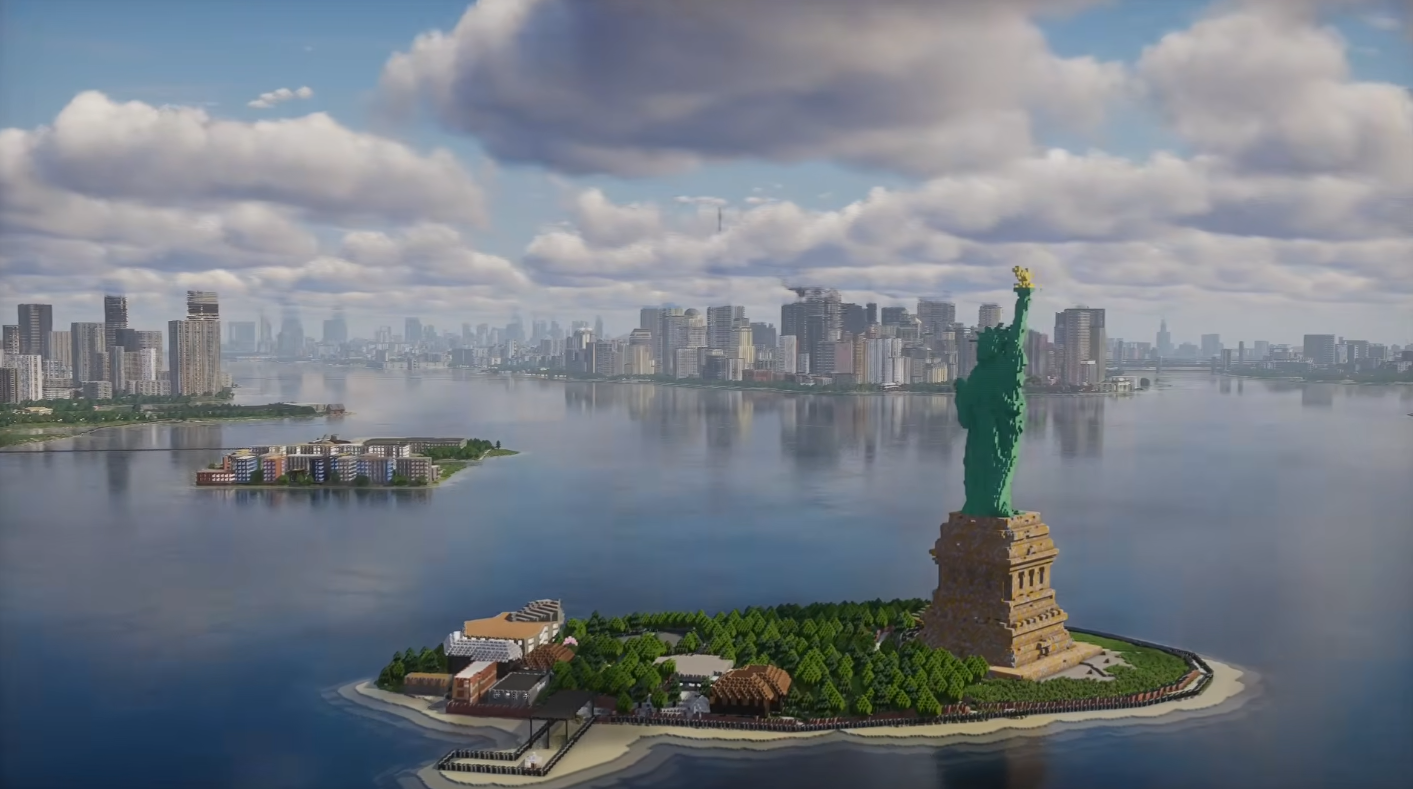
Skylines, Mountains and Landmarks generated by Arnis within minutes.
Everything you need to know about Arnis
Yes! Arnis is completely free and open source, licensed under the Apache 2.0 License. There is a paid online generation service if you want to generate worlds on mobile devices. Since I work on this in my free time, donations are greatly appreciated to support ongoing development.
The Arnis desktop application runs on Windows, macOS, and Linux only. However, when you generate a Bedrock Edition world (.mcworld file), you can transfer it to your phone or tablet and open it directly in Minecraft Bedrock Edition on iOS and Android. You can also use the online generation service from any device to generate a world and download it.
There is no hard limit built into Arnis, but practically the size depends on your computer's available memory and the density of map data in the area. Small towns and neighborhoods work great. Larger areas like entire cities are possible but require more RAM and take longer. If the area is too large and Arnis crashes, try selecting a smaller region.
It depends on the size and complexity of the selected area. A small neighborhood typically takes a few seconds, while a large city center may take several minutes. The progress bar shows you how far along the generation is. Factors like building density, terrain detail, and whether you enable options like interior generation also affect the time.
For Java Edition, you need version 1.17+ or later. For Bedrock Edition, any up to date version should work. Arnis supports both editions, just select your preferred format before generating.
For Java Edition, worlds are saved directly to your Minecraft saves folder (e.g. %APPDATA%\.minecraft\saves on Windows). For Bedrock Edition, a .mcworld file is saved to your Desktop. In both cases, you can choose a custom output location in the settings. Generated worlds appear as "Arnis World" in your Minecraft world list.
Arnis uses OpenStreetMap (OSM) for building footprints, roads, land use, and other map features, fetched via the Overpass API. Elevation and terrain data comes from open topographic datasets from AWS Terrain Tiles. Since it relies on community-contributed OSM data, coverage and detail vary by region — well-mapped cities will produce the most detailed worlds.
Arnis is 100% safe. The entire source code is publicly available on GitHub for anyone to inspect. It does not modify your Minecraft installation, it only creates new world files. Some antivirus software may flag unsigned executables as suspicious, but this is a false positive common with open-source tools. Various media outlets have reviewed Arnis, see the Recognition & Media section below.
Arnis has been featured in academic research, major tech publications and YouTube videos