Real-World Maps for Minecraft Bedrock Edition
Generate maps from actual locations and play them on your phone, tablet, console, or Windows 10/11.
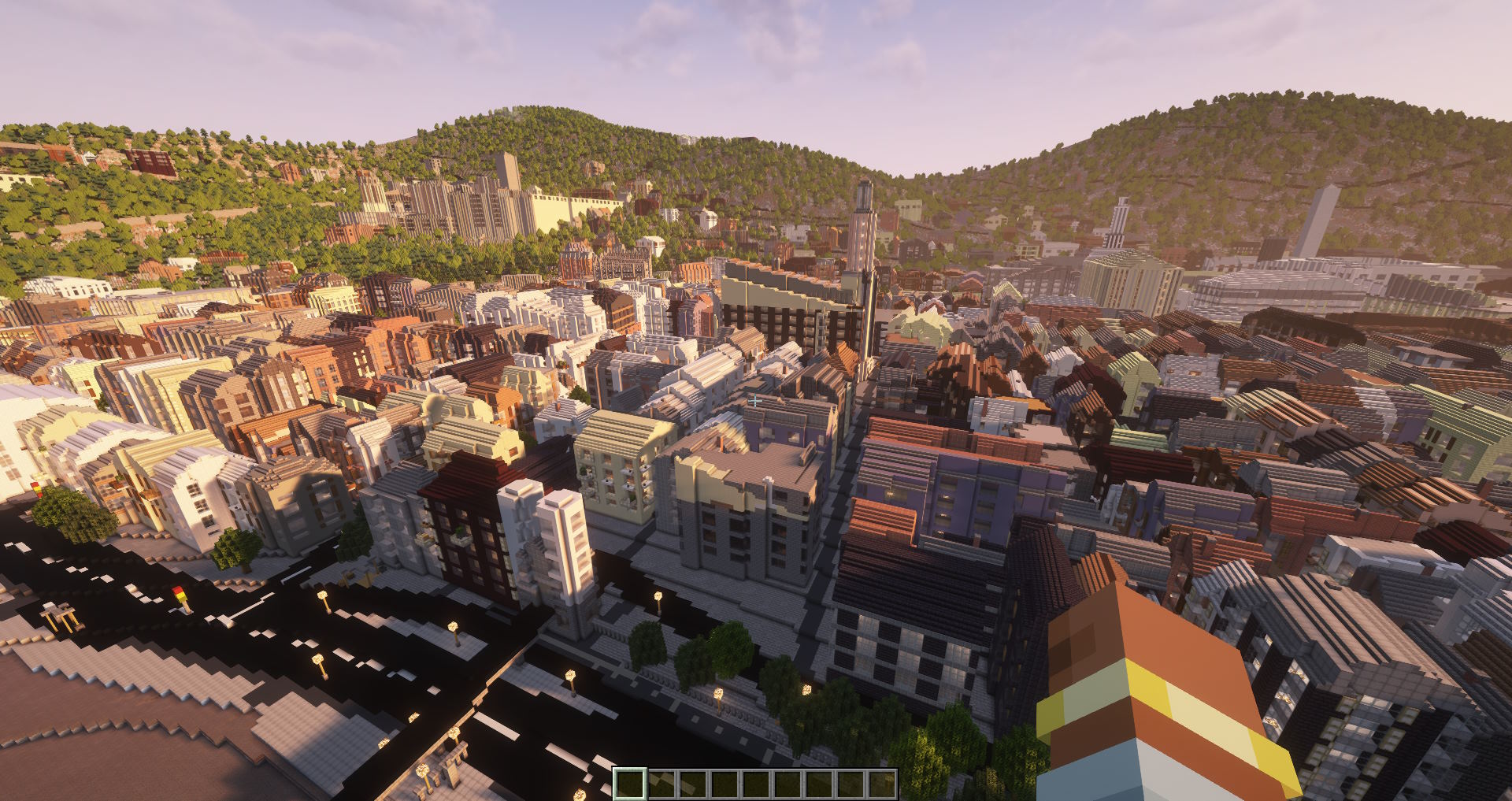
Minecraft Bedrock Edition runs on a lot of different platforms: iOS, Android, Windows 10/11, Xbox, PlayStation, and Nintendo Switch. If you play on any of these and want to explore real places in Minecraft, this guide is for you.
Arnis generates .mcworld files that Bedrock Edition can import directly. You pick a real-world location, the tool builds a Minecraft world from OpenStreetMap data, and you get a file you can open on any Bedrock-compatible device.
Why Bedrock?
Most Minecraft players are on Bedrock. It is the version that runs on phones, tablets, and consoles. But most map-generation tools only support Java Edition. Arnis is one of the few that supports Bedrock natively, which means you get a proper .mcworld file instead of having to convert anything.
The easiest way: MapSmith
If you are on a phone or don't want to install software, MapSmith is the fastest option. It runs entirely in your browser and generates the world on a server for you.
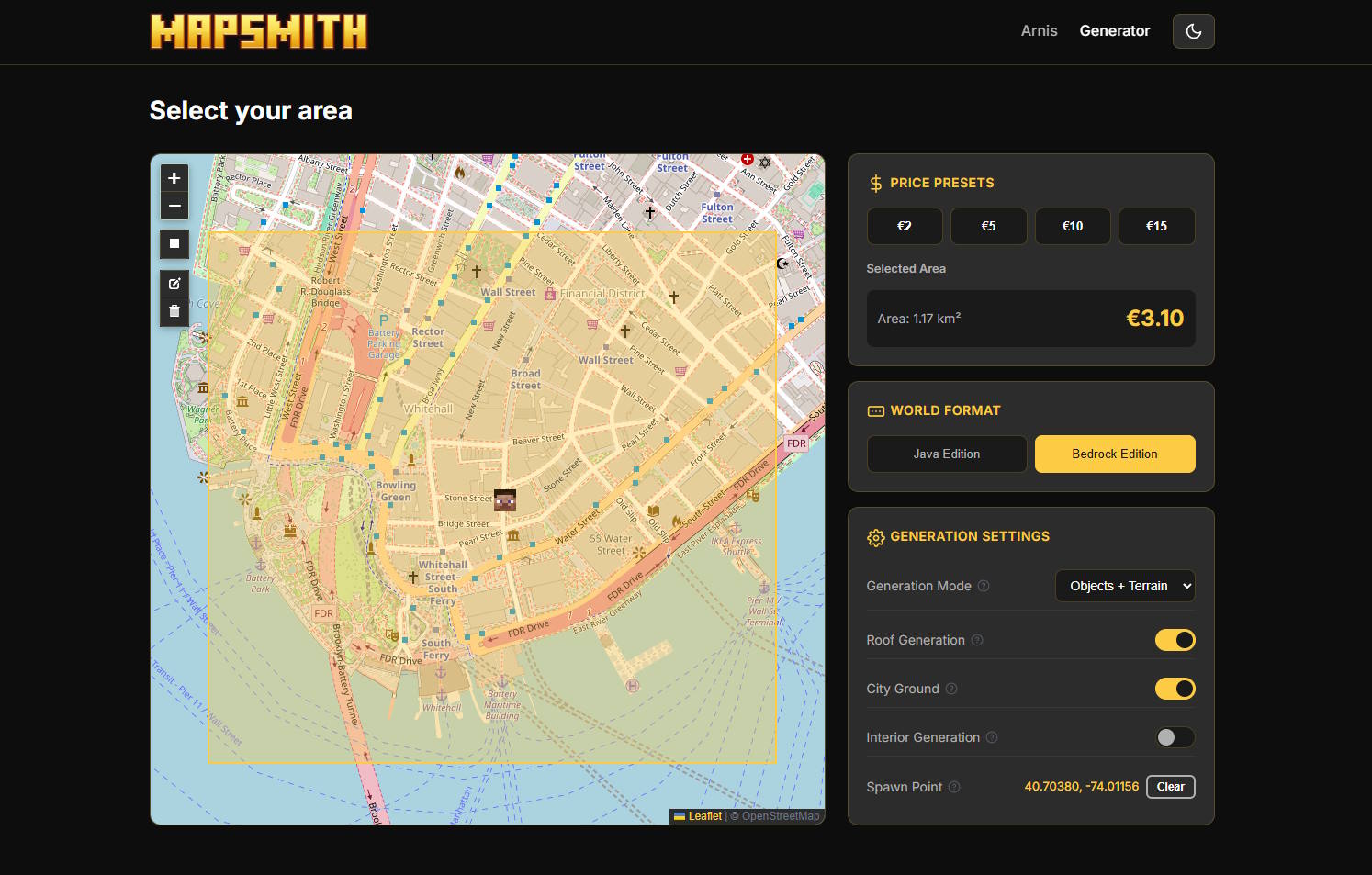
- Open arnismc.com/mapsmith on your device.
- Find the location you want on the map.
- Draw a rectangle around the area.
- Make sure "Bedrock Edition" is selected (it auto-detects if you are on mobile).
- Pick a size and complete the checkout.
- You will get an email with a download link for your
.mcworldfile. - Tap the file on your phone or transfer it to your console. Minecraft opens and imports it automatically.
Alternative: Use the desktop app
If you have a computer, you can also download the free Arnis desktop app and generate Bedrock worlds locally. The process is the same: select an area, choose Bedrock Edition, click Generate, and you get a .mcworld file on your Desktop.
To get the file onto your phone or tablet, you can:
- Email it to yourself and open the attachment
- Upload it to cloud storage (Google Drive, iCloud, OneDrive) and open it from there
- Transfer via USB cable
How to import a .mcworld file
On iOS or Android: Just tap the .mcworld file. Your device will ask you to open it with Minecraft. The world gets imported and appears in your world list.
On Windows 10/11: Double-click the file. Minecraft opens and imports it.
On Xbox / PlayStation / Switch: The easiest path is to use a Windows 10/11 PC with the same Microsoft account. Import the world there, then it syncs to your console via Realms or you can export and transfer manually.
What kind of maps can I generate?
Anything that is on OpenStreetMap. Some popular picks:
- Your own neighborhood or school
- Famous landmarks (Times Square, Taj Mahal, the Niagara Falls)
- Entire small towns
- University campuses
- Coastal cities with ports and harbors
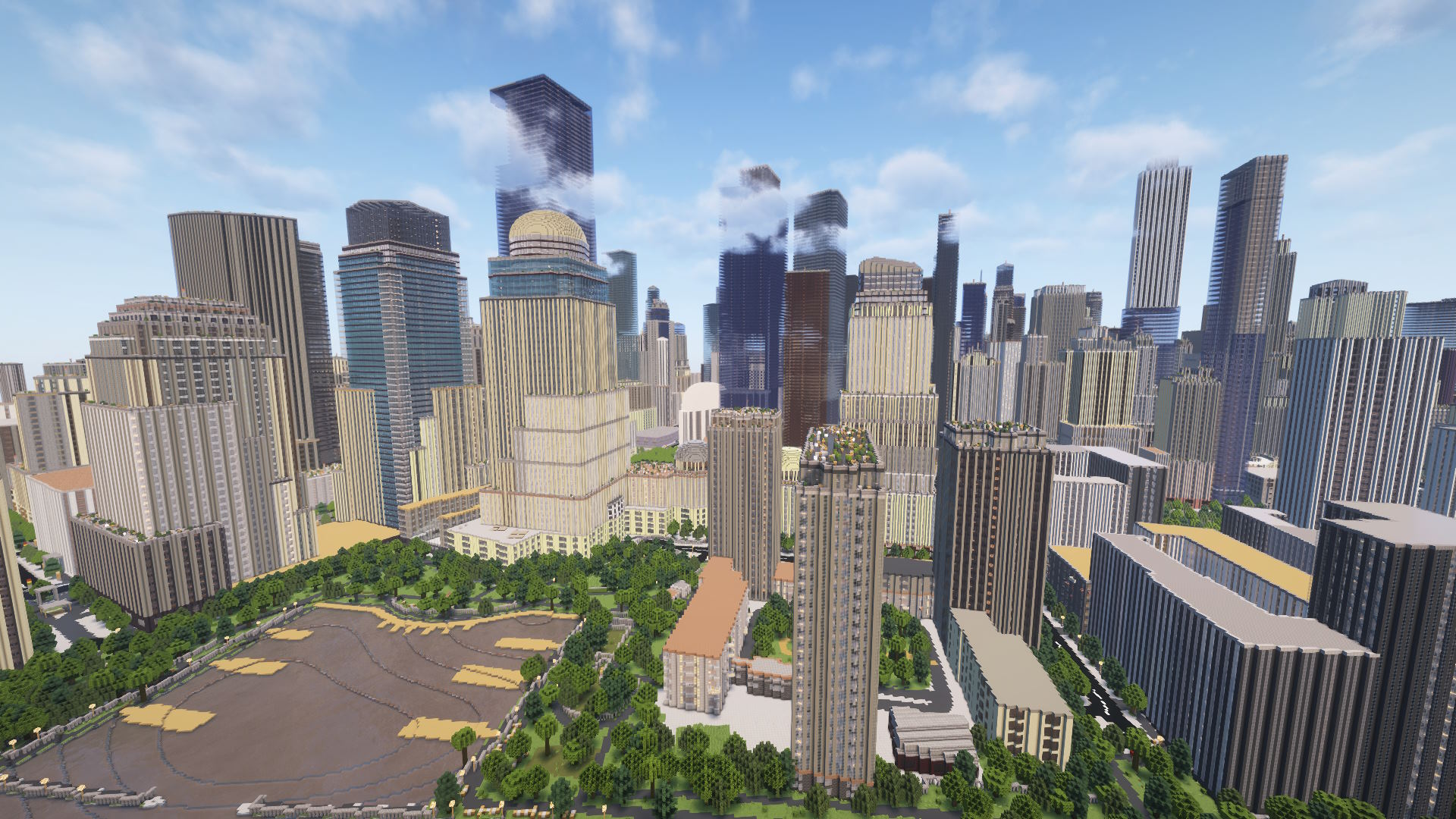
The generated world includes buildings, roads, water, vegetation, and terrain elevation. The detail depends on the map data available for that area.
Generate your Bedrock world now
Pick any location and get a .mcworld file in minutes.
Open MapSmith Download Arnis